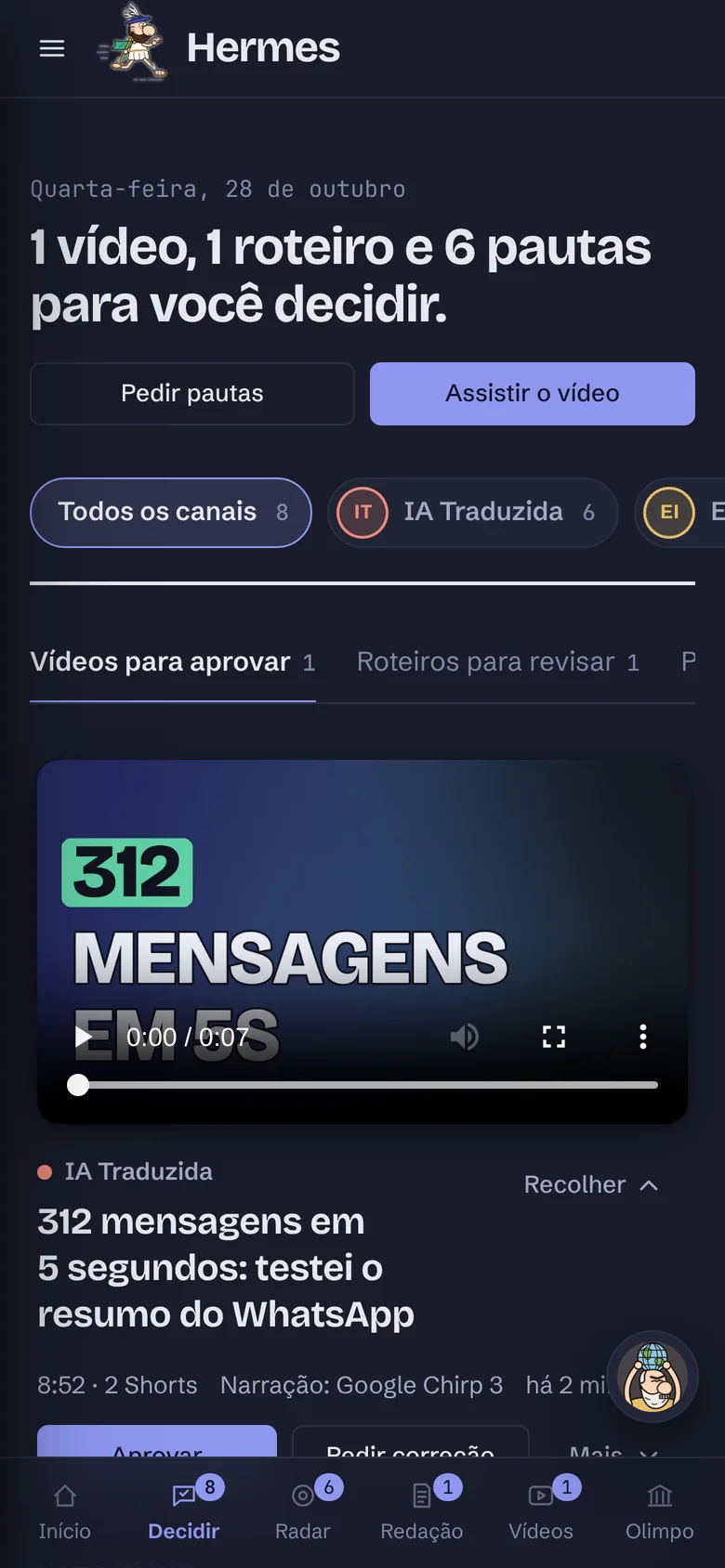
Calliope finished the scriptYou approve the script · 1Ready to review
From topic to YouTube, in six steps
Each step has a god in charge. You step in three times: picking the topic, approving the script and watching the finished video.
Step 1 · Argos and PythiaFind the right topic
Argos reads the web and brings scored story ideas. Pythia studies who watches your channel and what is trending.
You approve the topic and its budget
Step 2 · Athena and AletheiaResearch and check
Athena goes to primary sources. Aletheia checks every claim against its source before it becomes a script.
Step 3 · CalliopeWrites the script
A strong hook in the first seconds, scene by scene, with what shows on screen and the tone of each line.
You approve the script or ask for changes
Step 4 · Echo and EuterpeGive it voice and sound
Echo narrates with the channel's voice, which you can record yourself. Euterpe picks the soundtrack and the intro.
Step 5 · Apollo and HephaestusCreate and edit
Apollo makes images, the thumbnail and the channel's character. Hephaestus edits the video, captions and Shorts.
You watch and approve the video
Step 6 · Hermes and AtlasTake it to YouTube
The video goes up with thumbnail, captions and description. Then Atlas shows what grew and suggests the next step.
The Olympus: twelve specialists who never take a day off
Each god has one job, a desk where you watch the work live, and a notebook of lessons that improves with the channel's real results.
Atlas
Coordination
I'm Atlas, the titan who holds up the sky. I run the work queue, watch the month's spending and turn your corrections into lessons for the other gods.
Organized
Thrifty
Steady
Good at summaries
“The sky won't fall while I'm here.”
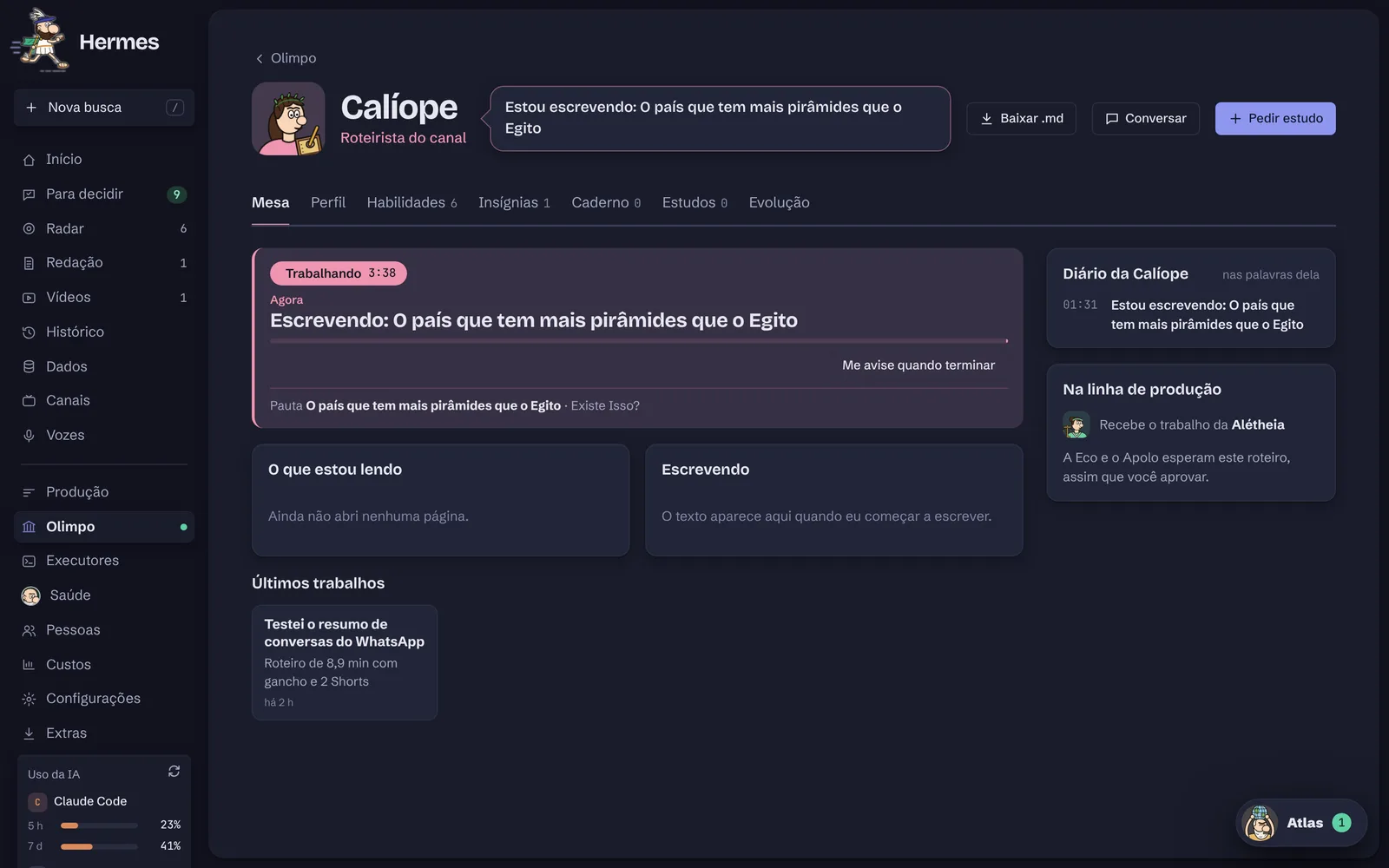
Watch each god work, live
Open any god's desk and follow what they are doing now, their diary and who gets the work next. Each one has a profile, skills, badges and a notebook of lessons you approve.
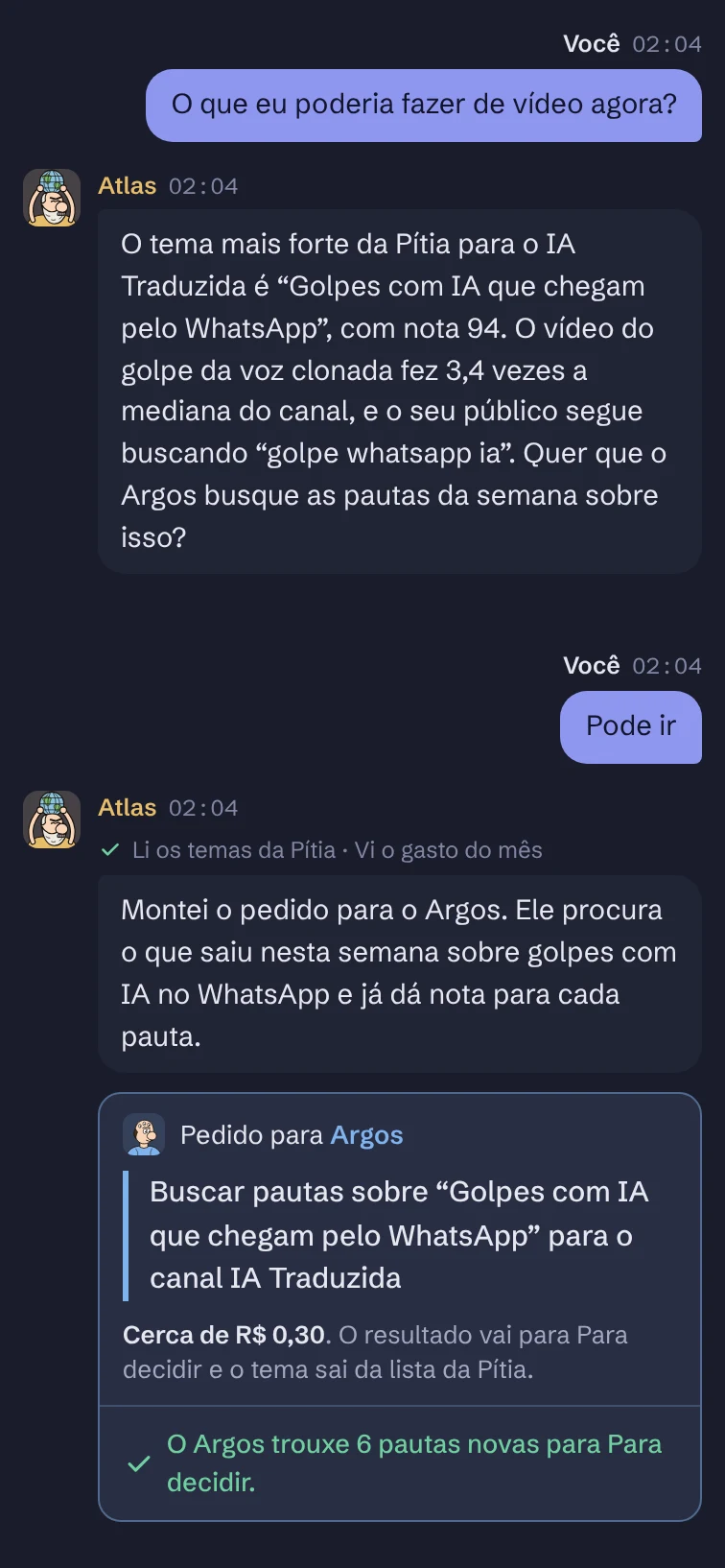
Talk to the team like a group chat
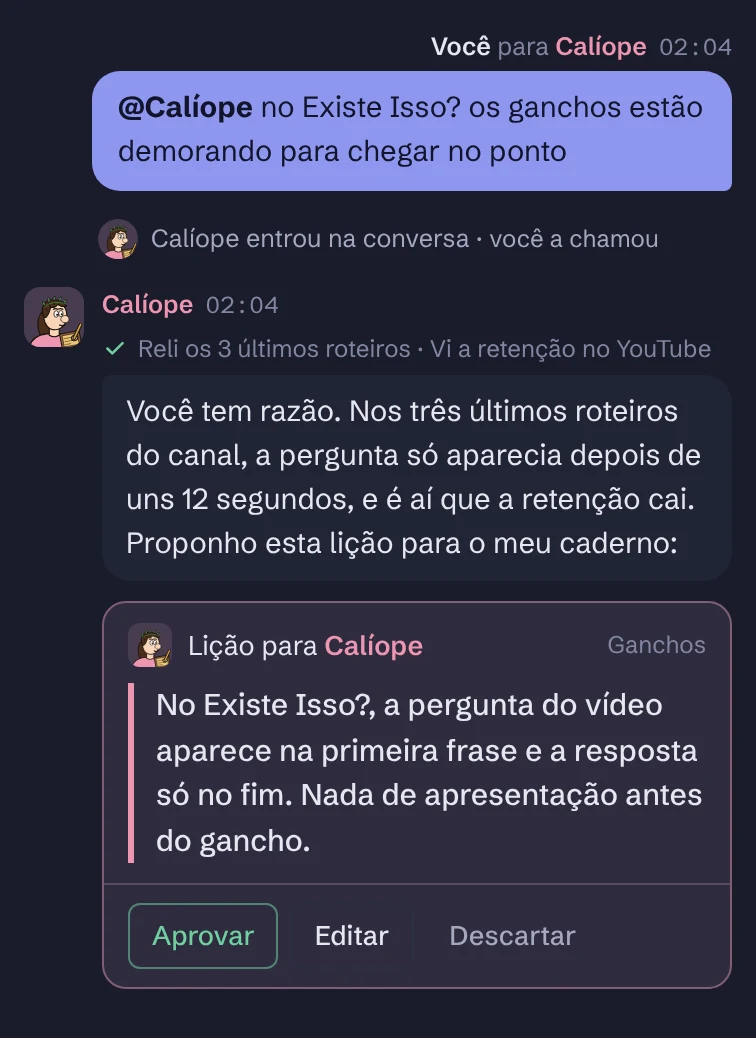
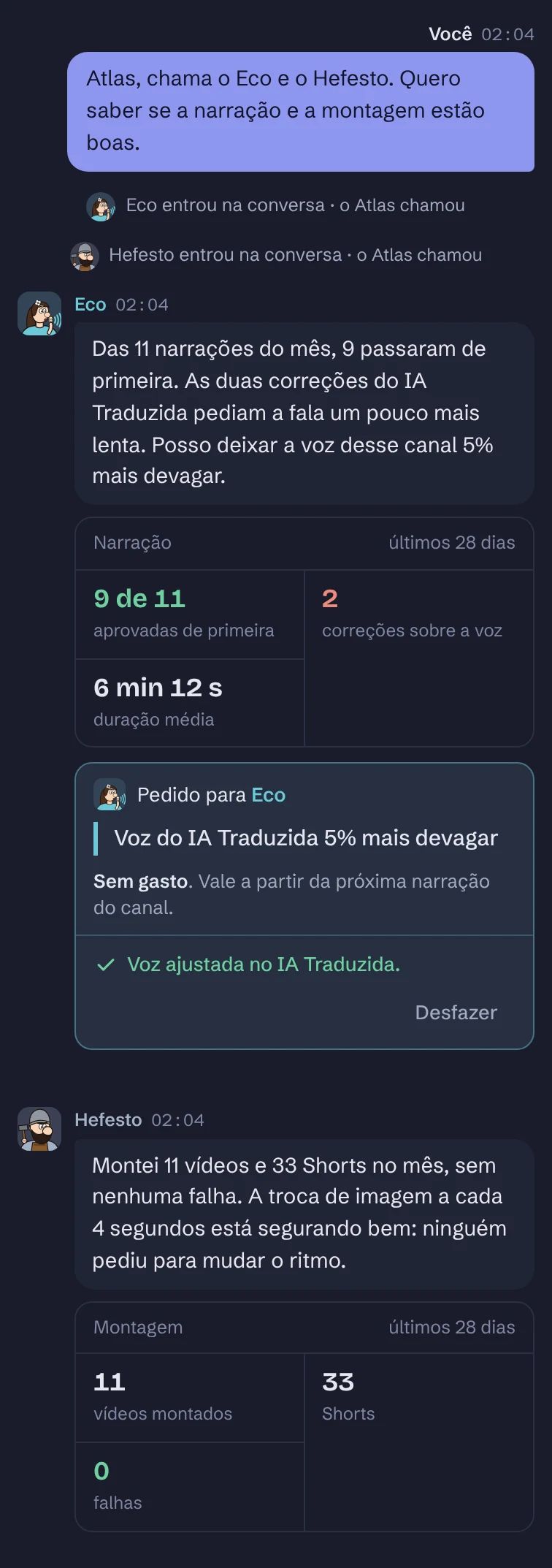
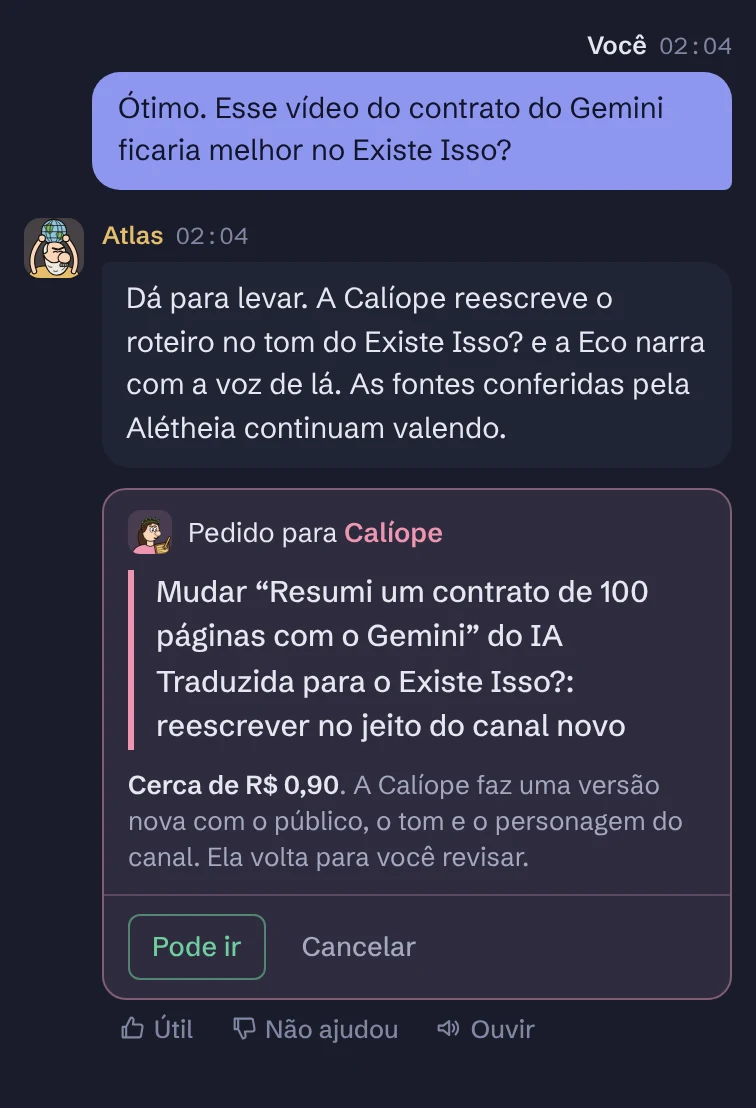
The chat box is on every screen. Talk to Atlas, call a god with @ or start a meeting. Every action shows its cost first and only runs after your “Go ahead”.
The first chat is simulated right here, with no AI. The others are screenshots of the demo dashboard, in Portuguese.
One Hermes, many channels
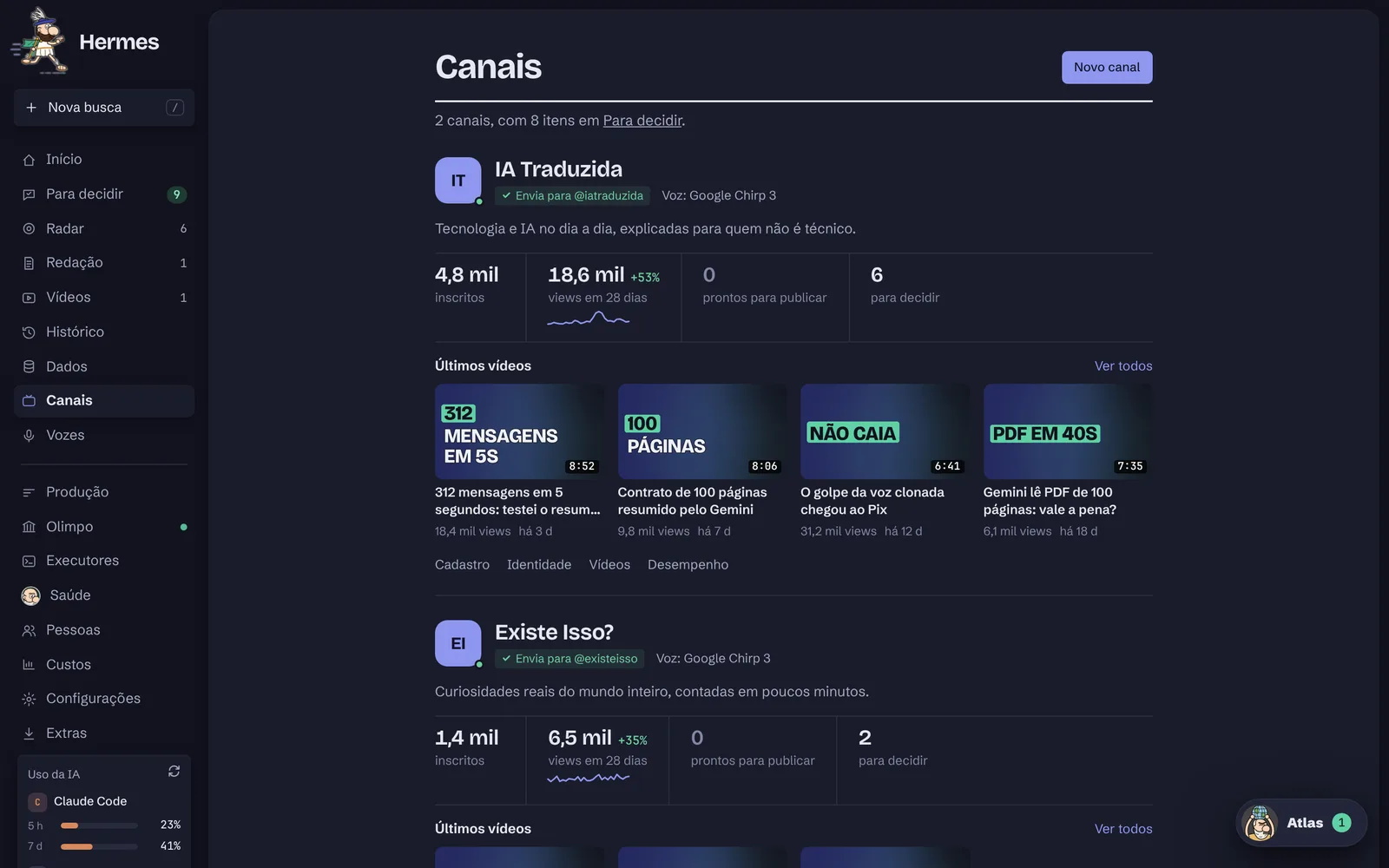
Each channel has its own audience, tone, voice and identity. The voice and the character do the hosting, so nobody has to show their face. And you run them all from one place.
IA Traduzida
@iatraduzida
Tech and AI in everyday life, explained for non-technical people.
Brand
Stamp “Tech without the hassle”
Intro
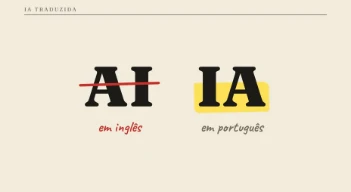
“AI” crossed out becomes “IA”, in 3.6 seconds
Voice
Calm and practical, at the pace you set
Strong topic
AI scams on WhatsApp
Existe Isso?
@existeisso
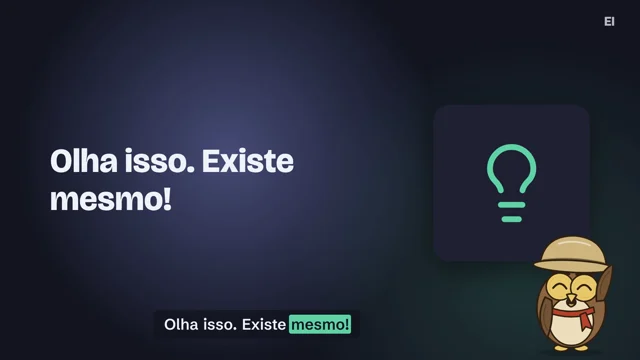
Real curiosities from around the world, told in a few minutes.
Character
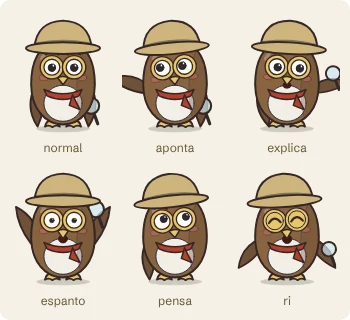
Otto, the explorer owl
Expressions
Six, from surprise to laughter
Tone
Amazed just enough, with checked facts
Format
Short videos and Shorts
Each channel's identity, in one tab
BrandProfile picture, banner and watermark, pulled from YouTube or drawn by Apollo.
Video styleColors, fonts and how text moves on screen.
IntroAn animated logo with sound, right after the hook.
SoundtrackOne track per mood: neutral, upbeat or serious.
LibraryImages and clips the channel can already use.
CharacterA drawn host, with a name and a way of talking.
Every channel at a glance
Subscribers, views in the last 28 days, what is ready to publish and each channel's latest videos.
It produces a lot. You make the calls.
A sample month from the demo, with two channels:
11videos edited
33Shorts
9 of 11narrations approved first time
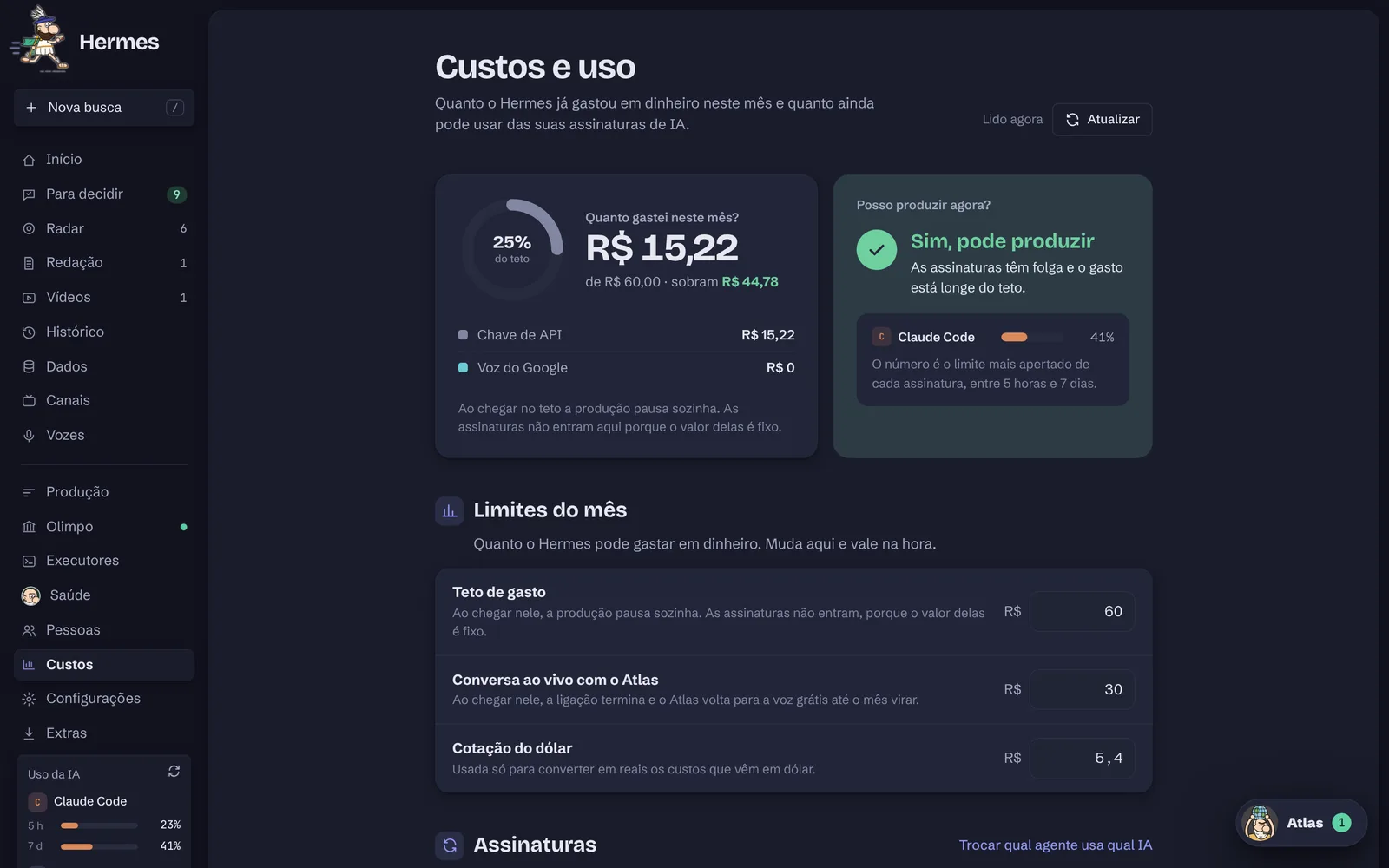
R$ 15spent of a R$ 60 cap
Three approval gates
Topic, script and video go through you. Nothing reaches YouTube on its own, and it goes up as private.
Monthly cap
Once it hits the limit, production pauses by itself. AI subscriptions are shown separately.
Budget per topic
Minimum, medium or full power, with an estimate before it starts.
Shorts first
Test a topic with three Shorts. If it catches on, one button turns it into the full video.
Go back
Earlier versions of every script and video, and “Take out of ready” if you change your mind.
Helpers with roles
Invite people as Editor or Viewer. Only the Owner touches keys and accounts.
A dashboard built for quick decisions
Everything waiting for you lives in one place, on your computer and your phone.
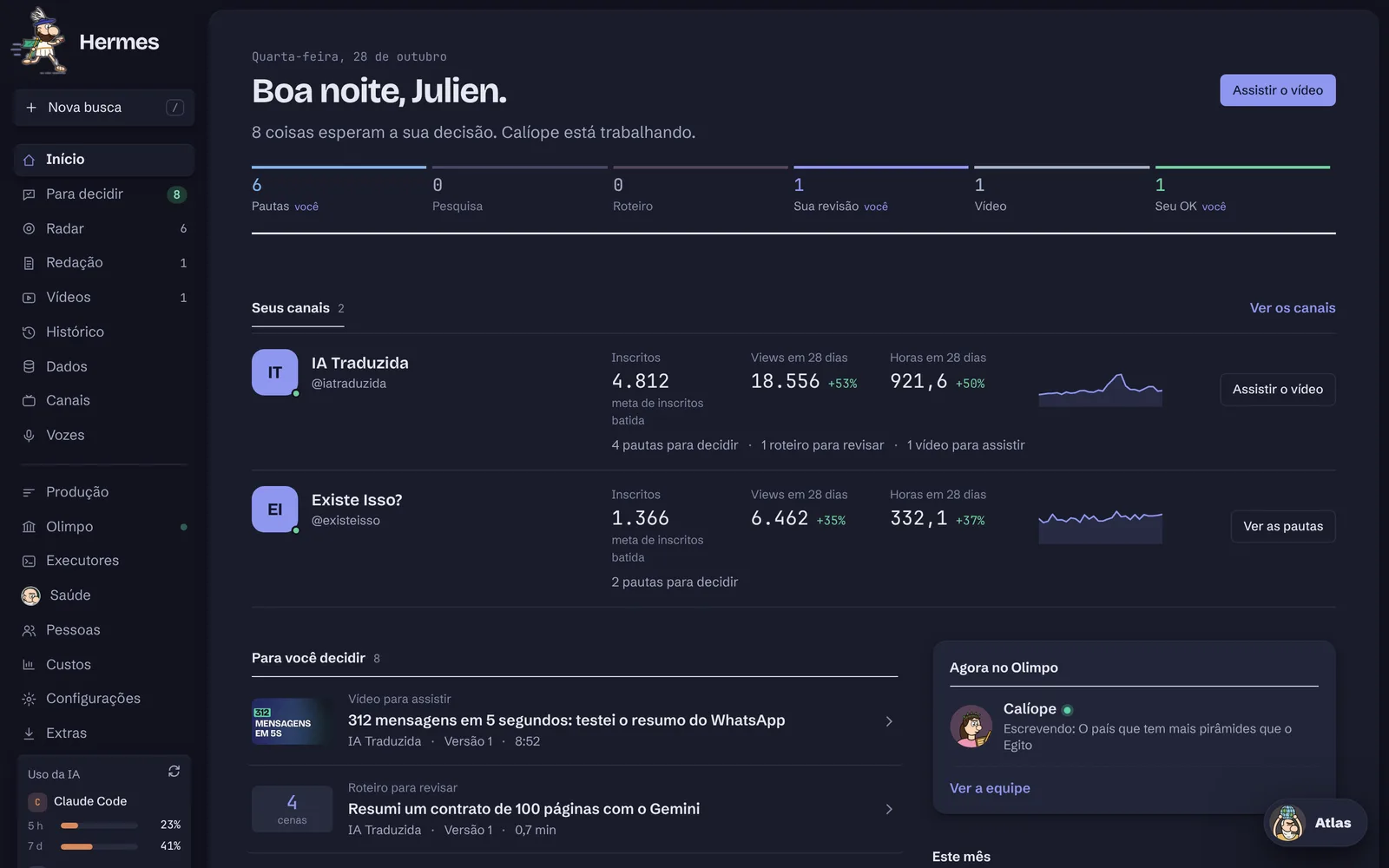
Everything at a glance
Your channels with YouTube numbers, each video moving from idea to your OK, and who is working right now.
Everything waiting for you
Videos to watch, scripts to review, topics and lessons, with a filter per channel. One screen to clear the queue.
Scored story ideas
Argos puts the ideas on a radar: the best ones sit in the center. Approve with one click and pick the budget.
What the audience wants
Pythia shows who watches, where they come from and what they search for, and suggests topics with the evidence.
Review scene by scene
The script arrives ready, with checked sources. Like it, approve it. Something wrong, write it and Calliope delivers a new version.
Watch before it goes up
The edited video with thumbnail and Shorts. Approve it and it goes to YouTube, as private until you decide.
What grew
Views, watch hours and subscribers for each channel, with a summary of what worked and what to do next.
Hermes.appmacOS · Apple silicon
Made for the Mac
For now, Hermes is macOS only, on Macs with Apple silicon (M1 or newer).
Installs like any app
Download the .dmg, drag it to Applications and open it. It sets up the rest by itself, no Terminal.
Always on, in the menu bar
Hermes sits at the top of the screen and tells you when something is waiting.
Updates in one click
New versions arrive through the dashboard itself, with the list of what changed.
On iPhone, through the browser
The dashboard opens on your phone like an app, so you can approve from anywhere.
FinderArquivoEditarVer8Wed Oct 28 9:40 PM
Trabalhando · Calíope escrevendo o roteiro
Para decidir · 8
6 pautas
1 roteiro
1 vídeo
Agora no Olimpo
Calíope escrevendo o roteiro · Golpes com IA…
Abrir o Hermes⌘O
Pausar a produção
Desligar o Hermes
Iniciar com o Mac
Abrir no celular…
Esconder este ícone
A 2 minute tour of the dashboard
Atlas presents the screens with sample data. The tour is in Portuguese.
Tour recorded with sample data, in Portuguese.
You stay in charge, always
Hermes uses YouTube API Services only on your own channels, through Google sign-in.
What Hermes does
Uploads only the videos, thumbnails and captions you approved
Reads statistics of your own channels
Updates the banner and watermark when you ask
Declares synthetic voices as altered or synthetic content
 Hermes





 8
8